Budget Tracker: Expense Manager app icon
Free Android App

Your Money,
Finally Organized

Budget Tracker: Expense Manager is a clean, fast Android app for tracking income, expenses, budgets, and savings goals. Log a transaction in seconds, see exactly where your money goes with monthly reports, and pick up right where you left off — light, dark, or matched to your system theme.

Income & Expense Tracking Budgets & Savings Goals Monthly Reports Custom Categories Light / Dark / System Theme
Get it on Google Play See Screenshots

Version 1.0.15 · Android · Free to download
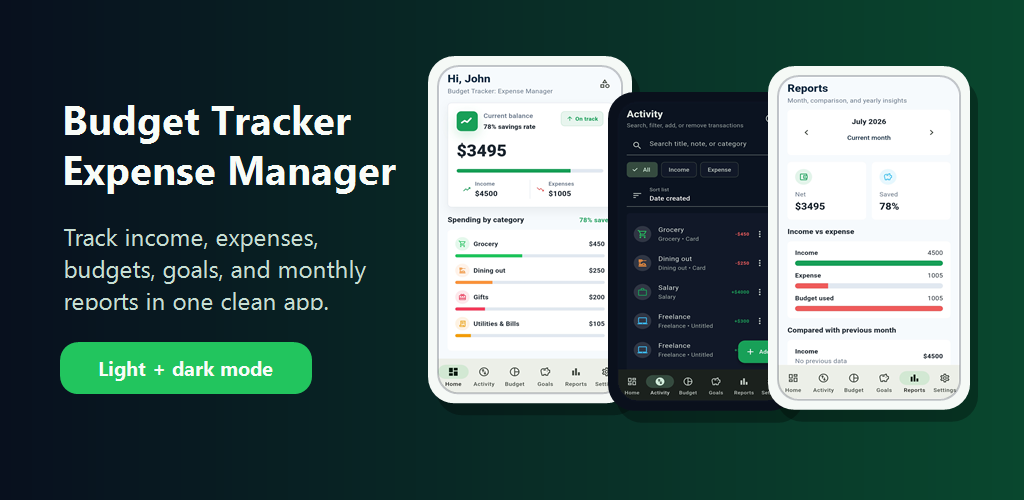
Budget Tracker: Expense Manager — track income, expenses, budgets, and goals

One Clean App for Every Number

From logging a coffee run to reading your monthly report — every screen, in light and dark mode.

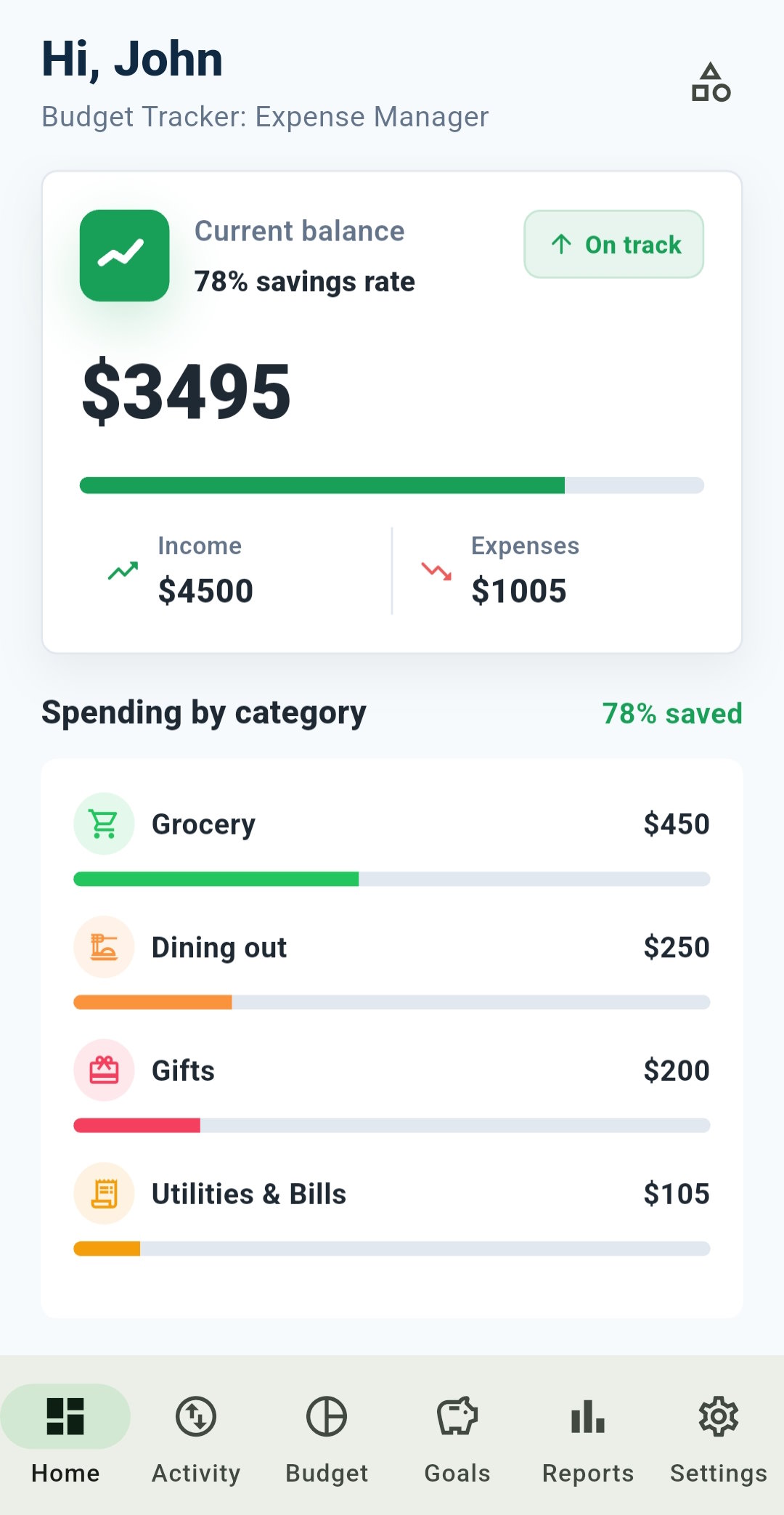
Your Dashboard — Budget Tracker: Expense Manager

Your Dashboard

Current balance, savings rate, income vs. expenses, and spending by category — all at a glance.

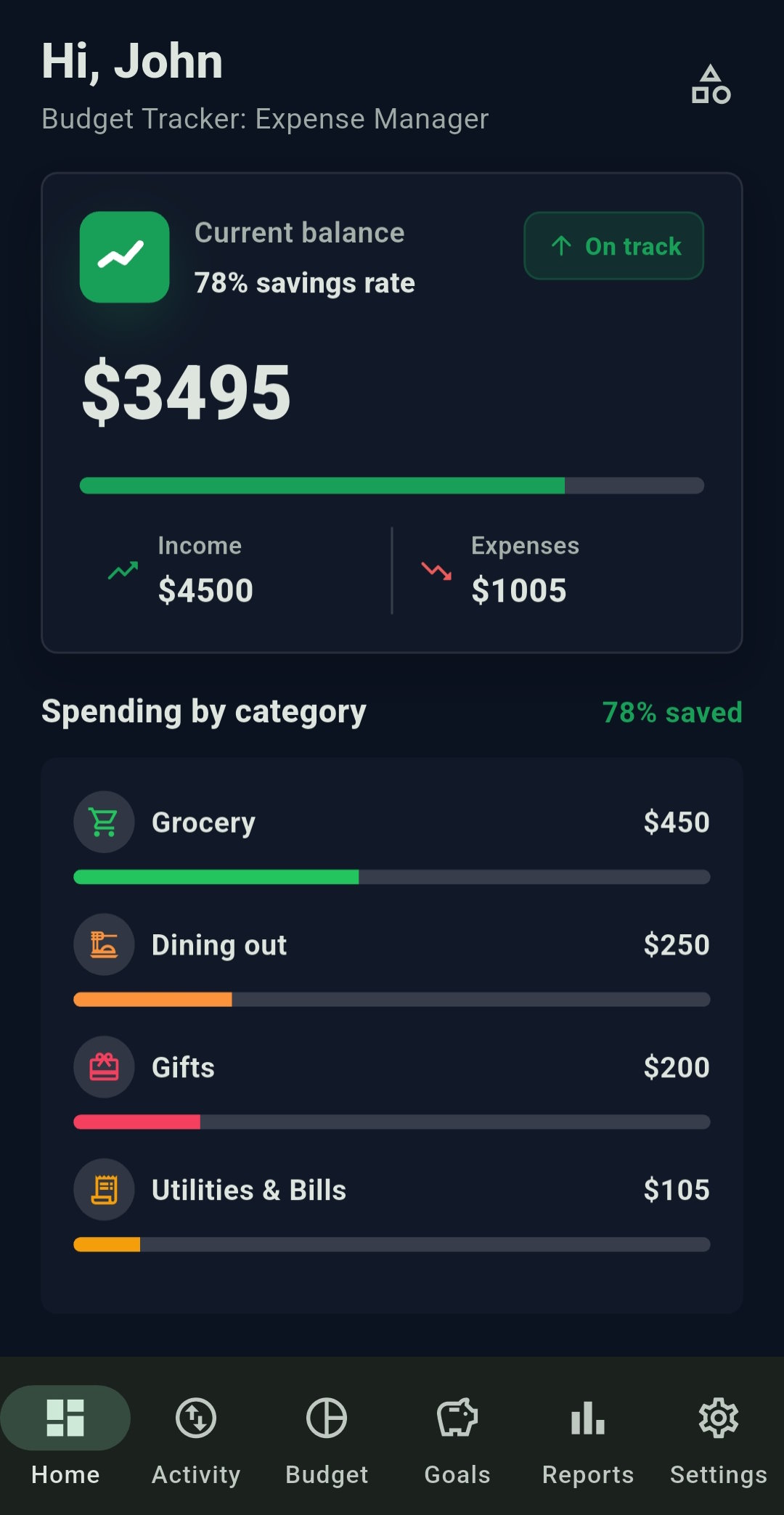
True Dark Mode — Budget Tracker: Expense Manager

True Dark Mode

Every screen is designed for dark mode, not just an inverted color filter.

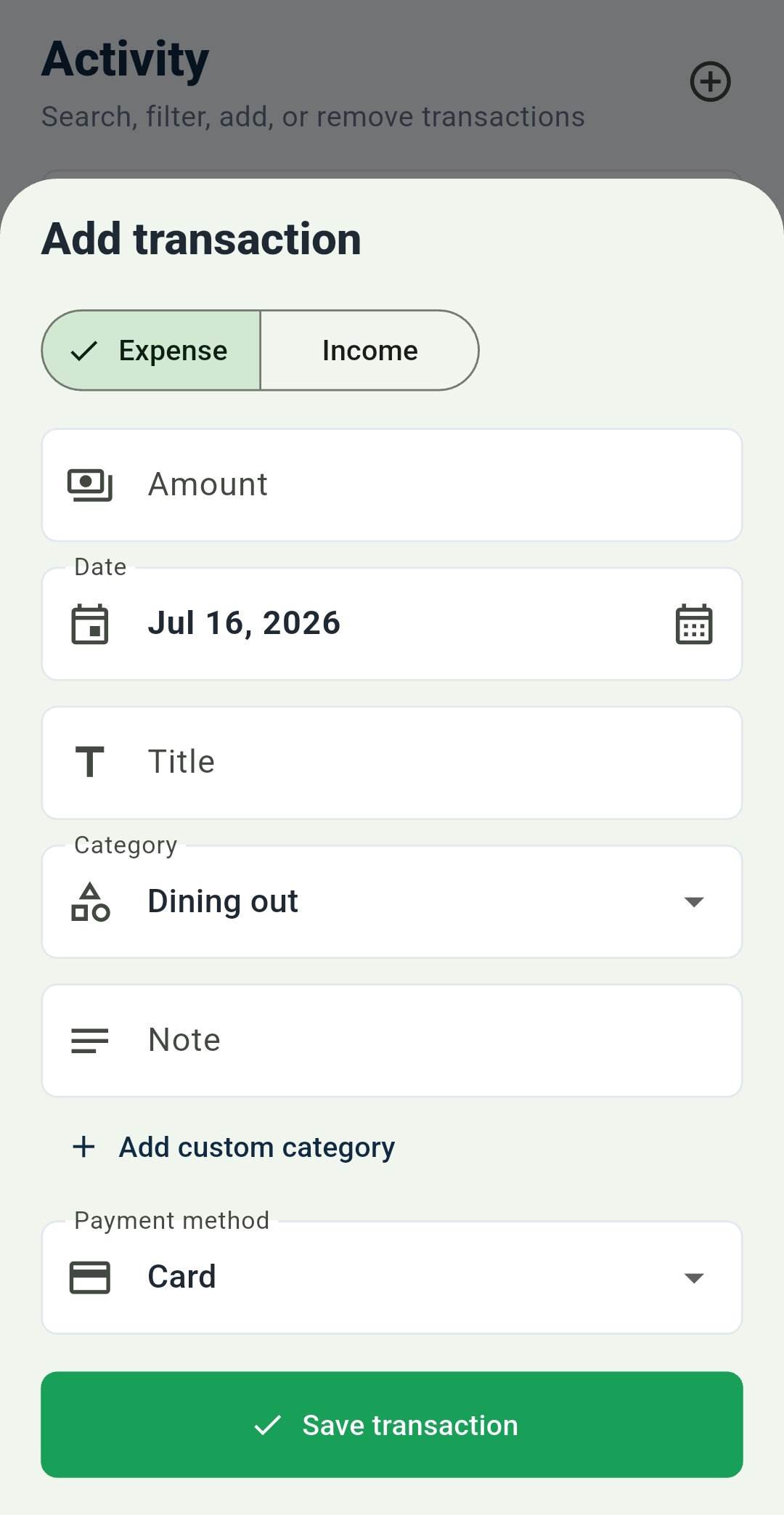
Add an Expense — Budget Tracker: Expense Manager

Add an Expense

Title, category, amount, date, payment method, and an optional note — logged in seconds.

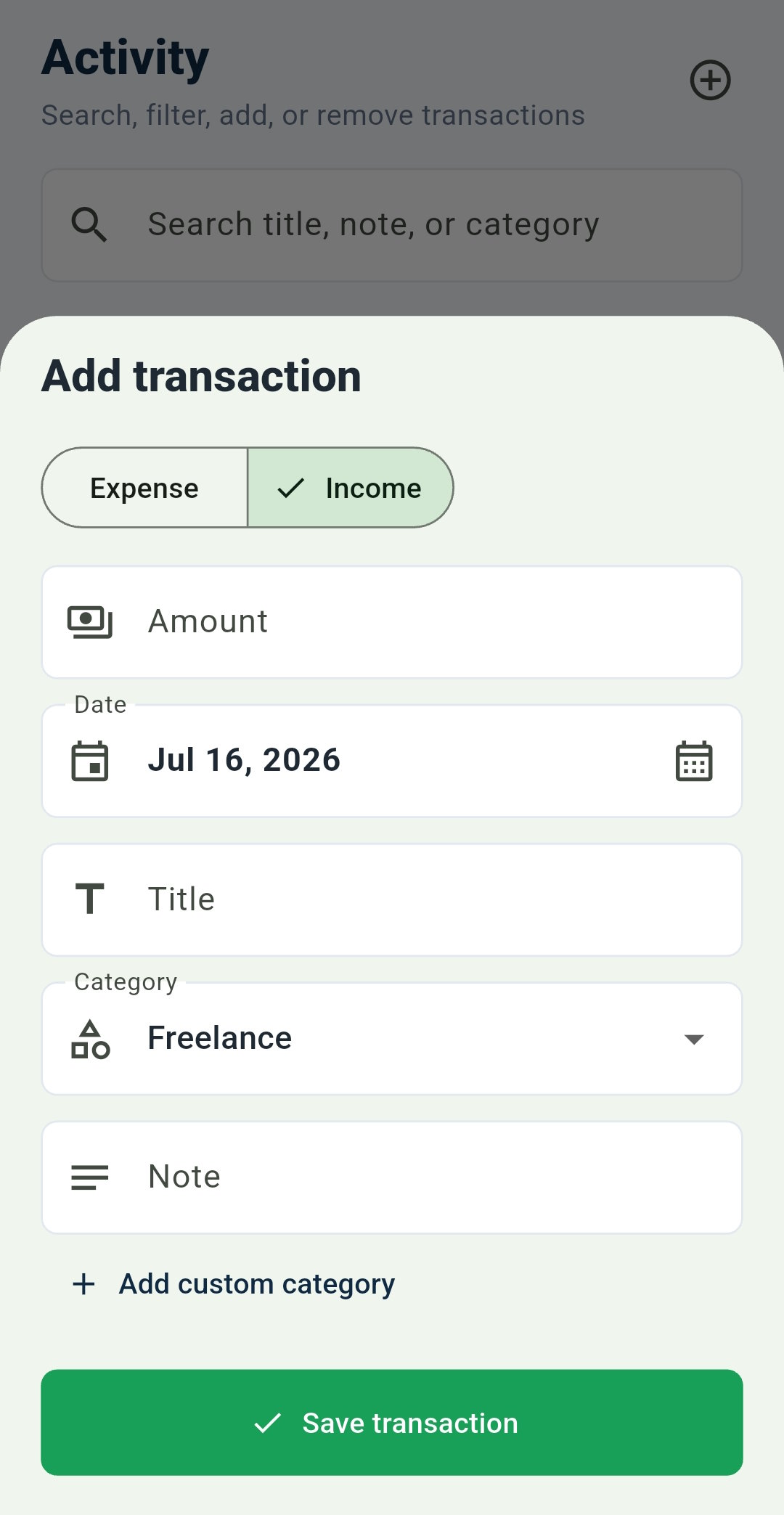
Add Income — Budget Tracker: Expense Manager

Add Income

The same fast form, with the payment method hidden automatically where it isn't needed.

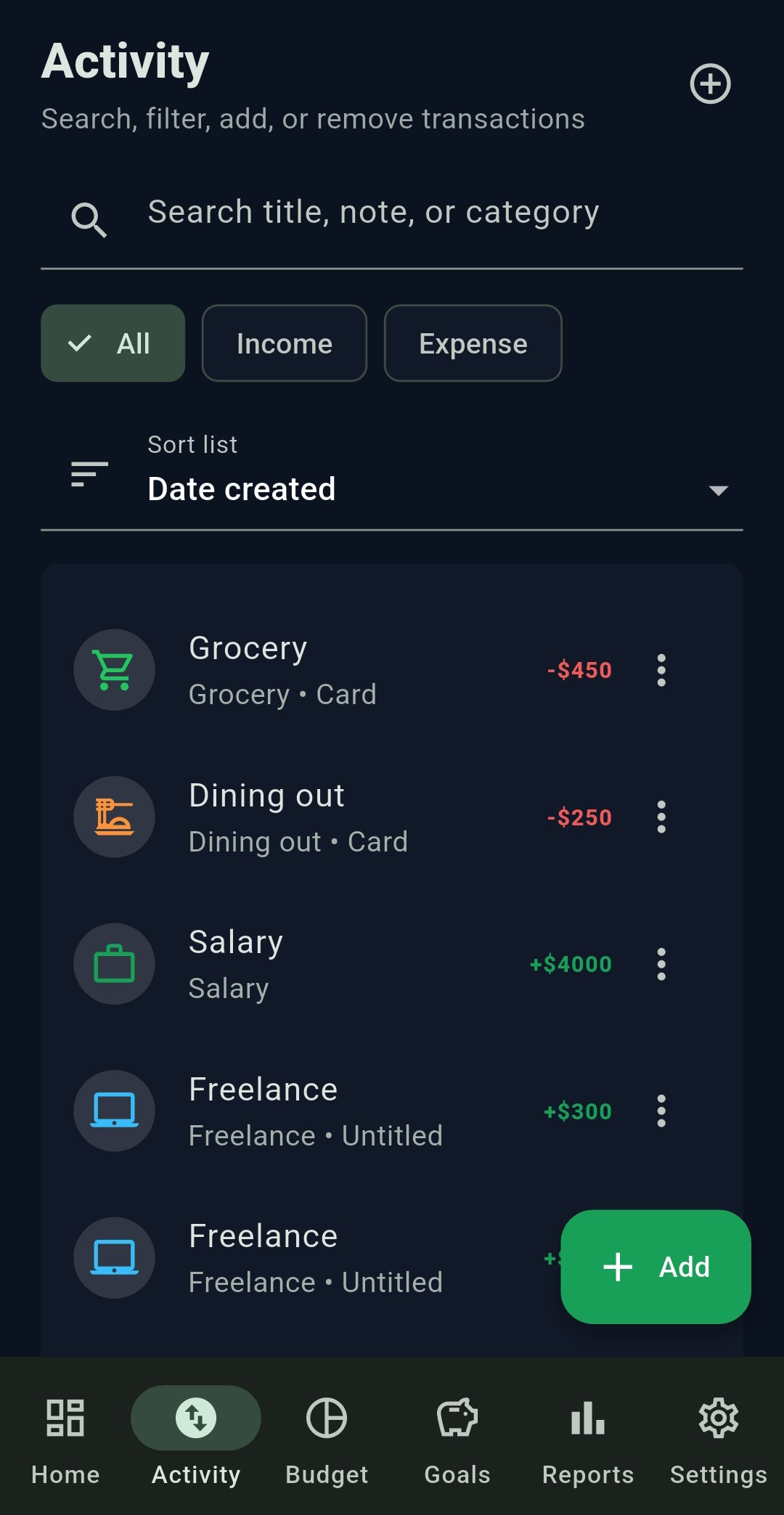
All Your Activity — Budget Tracker: Expense Manager

All Your Activity

Filter by All, Income, or Expense, and sort by date created or transaction date.

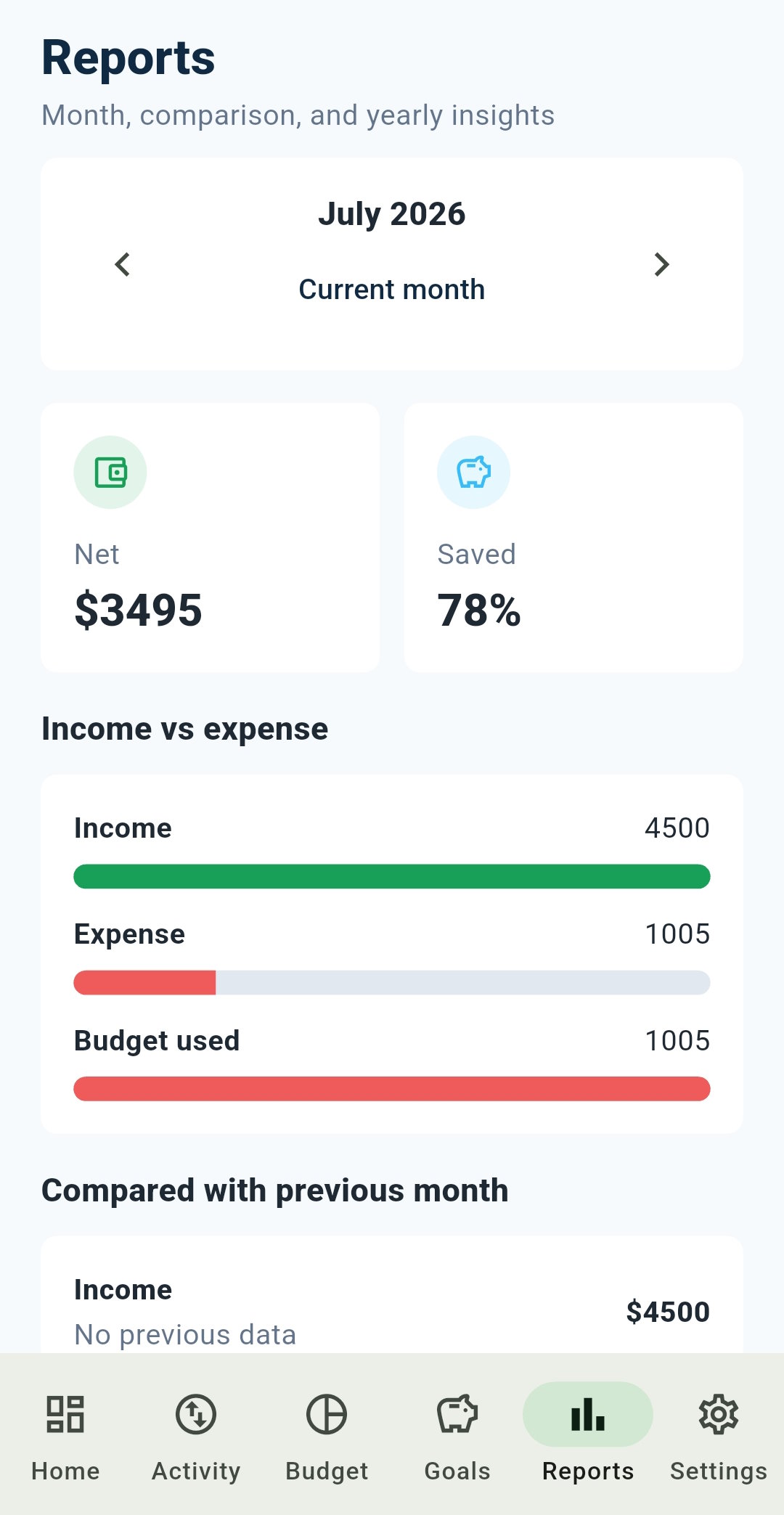
Monthly Reports — Budget Tracker: Expense Manager

Monthly Reports

Income vs. expense, budget used, and how this month compares to the last.

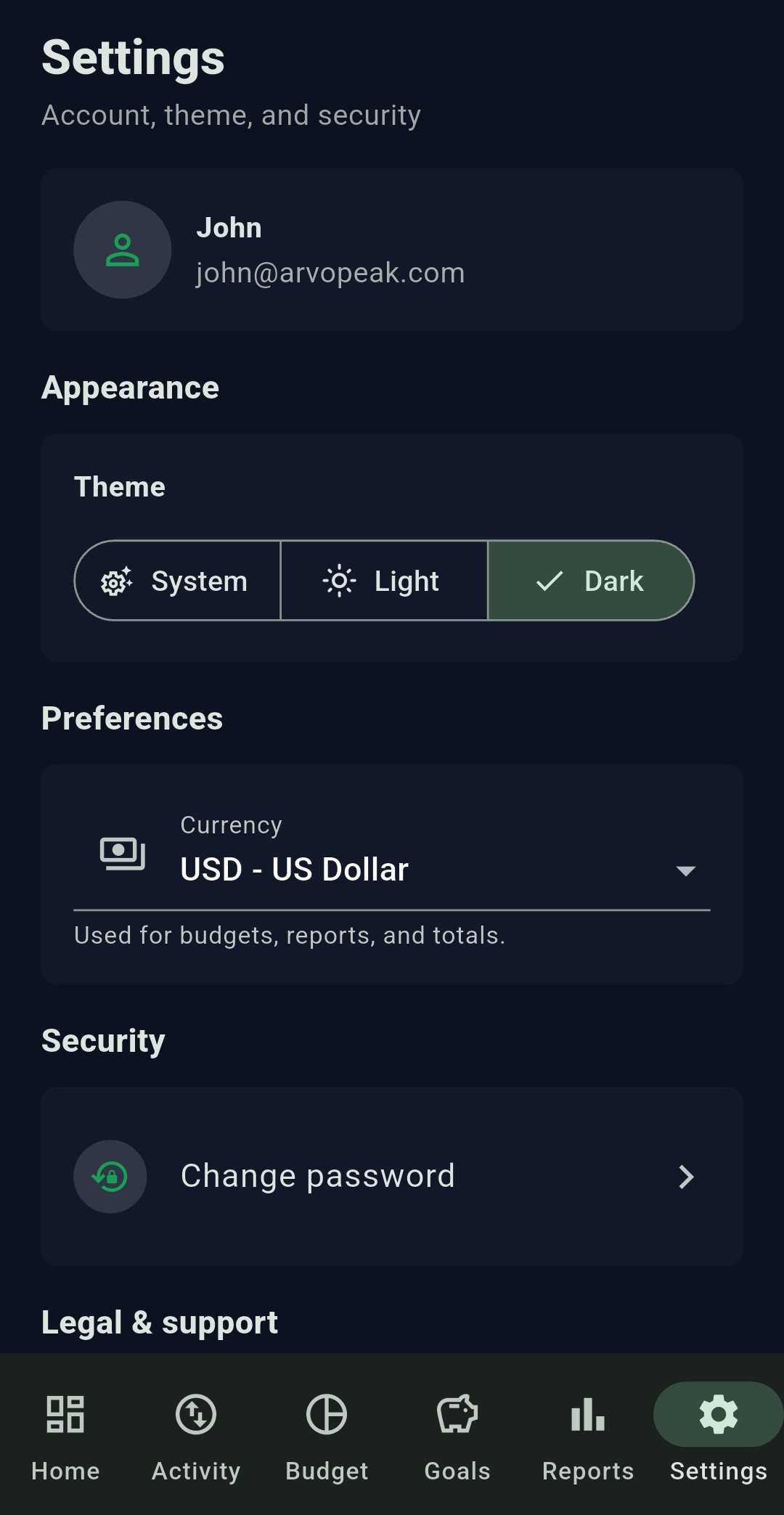
Theme & Currency — Budget Tracker: Expense Manager

Theme & Currency

Switch between System, Light, and Dark, and set the currency used across the app.

Everything a Budget App Should Do

No clutter, no paywalled basics — just the tools you need to understand your money.

🔐

Secure Sign-Up & Login

Create an account and sign in securely, with a persistent session that stays logged in until you manually log out.

🔑

Password Recovery

Forgot your password? Reset it right from the sign-in screen — or change it anytime from Settings.

💰

Add Income & Expenses

Log a title, category, amount, date, payment method, and an optional note for every transaction.

👁️

Smart Forms

The payment method field is hidden automatically for transaction types where it isn't needed.

✏️

Edit & Delete Transactions

Tap any transaction to view its full details, edit it, or remove it — nothing is locked in.

🔃

Sort & Filter

View All, Income, or Expense lists, sorted by date created or by transaction date.

🏷️

Default & Custom Categories

Start with built-in categories — Salary, Freelance, Grocery, Dining Out, Gifts, Utilities & Bills, and more — or add your own.

📊

Monthly Reports

See income vs. expense and budget used for any month, in a clear visual breakdown.

📈

Previous Month Comparison

Instantly see how this month stacks up against the last.

🎯

Budgets & Insights

Set monthly and yearly budgets and track your spending against them.

🐷

Savings Goals

Set a savings target and track your progress toward it over time.

💱

Currency Setting

Choose the currency used across budgets, reports, and totals.

Built to Be Fast, Clear & Trustworthy

A focused Android app, not a bloated finance suite.

🔒

Secure by Design

Persistent sessions, password recovery, and a change-password option keep your account under your control.

📱

Built with Flutter

A smooth, fast, native-feel Android app — not a wrapped website.

🗑️

You're in Control

Manage your account and data directly from Settings, anytime.

🌗

Light, Dark & System

Matches your phone automatically, or set it manually — every screen supports both themes.

Take control of your money — free

Track income, expenses, budgets, and savings goals in one clean app. Free to download.

📊 Get it on Google Play Explore More by ArvoPeak

by ArvoPeak — www.arvopeak.com