Find Dead Links Before They
Kill Your SEO

Scan any webpage for broken links, 404 errors, and dead URLs in seconds. Color-coded results. One click. No sign-up required.

Add to Chrome — It's Free
Chrome Extension Free Forever No Account Needed

Everything broken, highlighted instantly

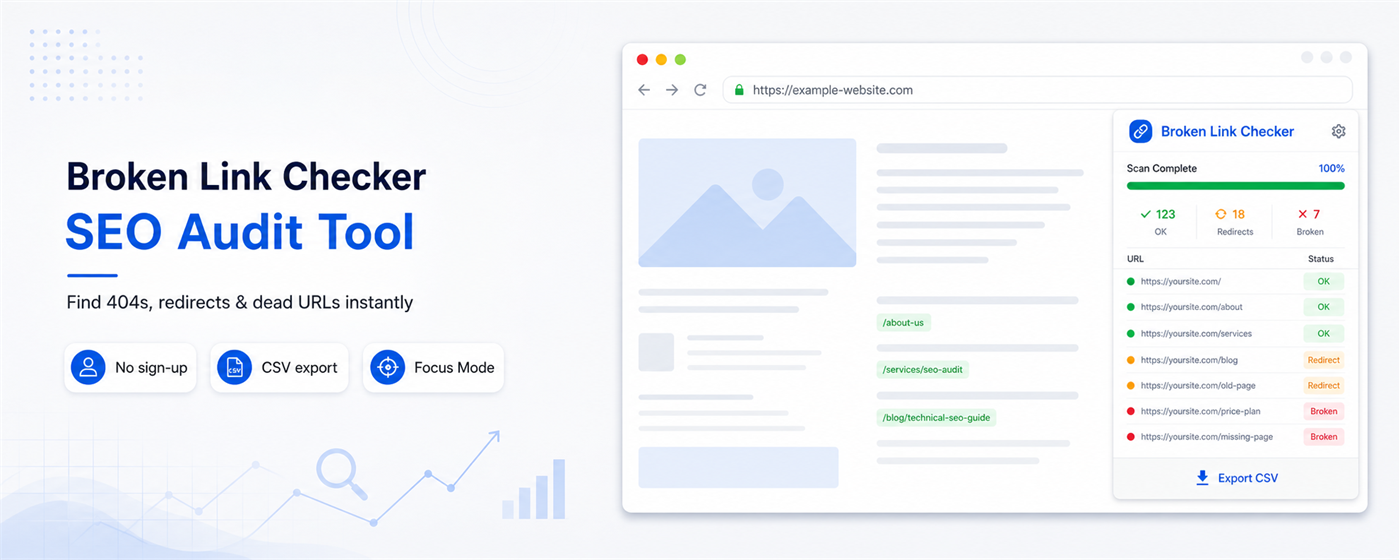
One scan shows you the full picture — broken links in red, redirects in yellow, healthy links in green.

Broken Links Detected

Instantly finds 404 errors, 500 server errors, timeouts, and unreachable URLs — highlighted in red so nothing gets missed.

Redirects Identified

Spots all 301 and 302 redirects with the destination URL shown — so you know exactly where your links are going.

Working Links Confirmed

Every healthy link is confirmed green. See your full link health at a glance, not just the problems.
Up and running in under a minute

1

Install Free

Add Dead Link Detector to Chrome in one click. No account, no setup, no credit card.

2

Visit Any Page

Navigate to any webpage you want to audit — your site, a client's site, a competitor's site.

3

Scan & Review

Click the extension icon, hit Scan This Page, and watch results appear in real time.

Start free. Upgrade when you need more.

Feature Free Pro
Links per scan 50 Unlimited
Broken link detection
Redirect detection
Filter by status
Copy broken links
Export CSV report
White-label PDF
Schedule scans
Multi-page crawl
Email alerts

Coming Soon

Join the waitlist to get early access and an exclusive launch discount.

Built for everyone who cares about link health

📈

SEO Professionals

Dead links hurt your Google rankings. Find and fix them before they cost you traffic.

💻

Web Developers

Audit every site before client delivery. Catch broken links in minutes, not hours.

✍️

Content Managers

Keep your blog posts and pages link-healthy without any technical knowledge needed.

🏢

Digital Agencies

Impress clients with instant link audits. Find problems before they do.

🔒

No data leaves your browser

Dead Link Detector runs entirely in your browser. No account required, no browsing history collected, no tracking of any kind. Your data stays yours.

Common Questions

Yes — any website you can visit in Chrome. Your own site, client sites, competitor sites, anything.

Most blog posts and landing pages have under 50 links, so the free plan covers most use cases. For large pages or unlimited scanning, Pro removes the cap entirely.

No. The extension only runs when you click Scan — it does nothing in the background while you browse normally.

Yes — if you're logged in and can see the page, the extension can scan it.

Very soon. Join the waitlist above to be notified first and receive an early bird discount.

Start finding broken links today

Free forever. No account needed. Install in 10 seconds.

Add to Chrome — Free